
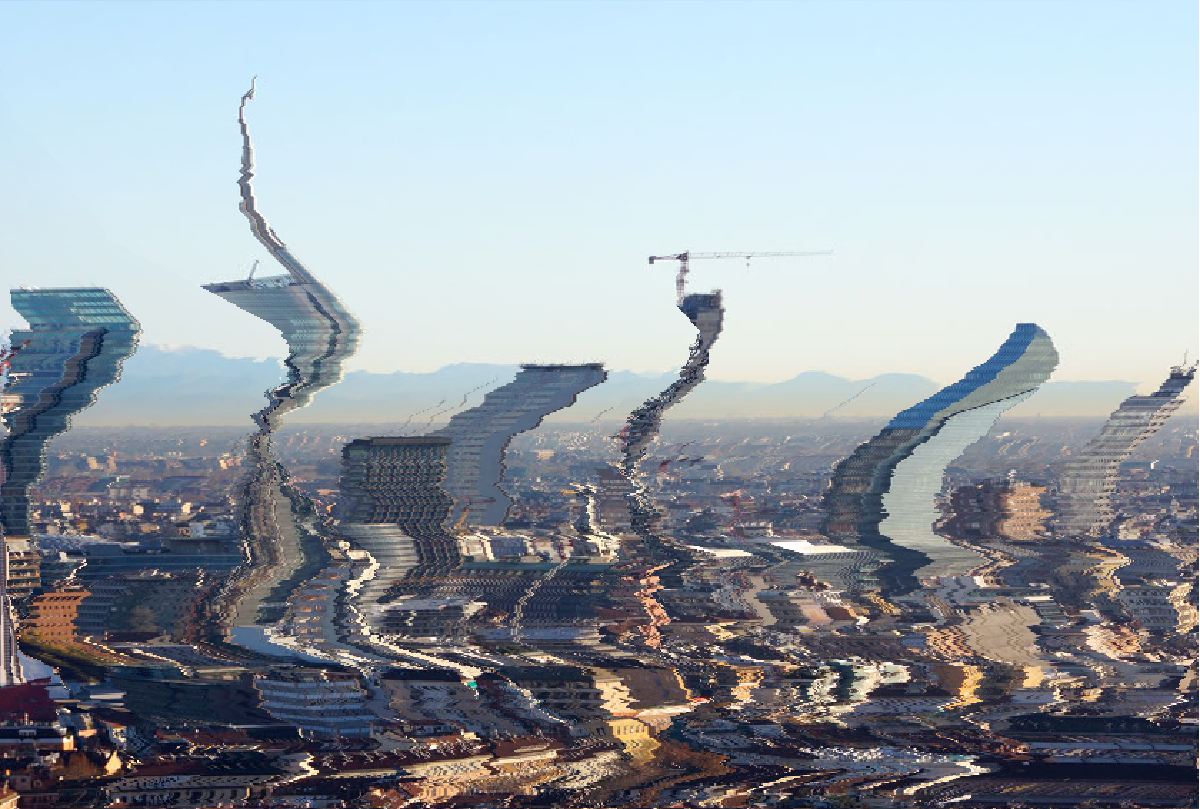

Seam Carving: The Art of Intelligent Image Resizing#
Introduction: The Problem with Ordinary Image Scaling#
Imagine you’ve taken a beautiful landscape photo with a stunning sunset and want to resize it to fit your website. You try the usual method—scaling—but suddenly your perfect sunset looks squished and distorted. The mountains are too short, the clouds are stretched, and the entire composition feels wrong.
This is the fundamental problem with traditional image scaling: it treats every pixel as equally important. But in reality, some parts of an image matter more than others. The edges, textures, and distinct objects are what our eyes notice, while uniform areas like sky or blank walls can often be modified without anyone noticing.
Enter seam carving—a revolutionary approach that resizes images by removing the “least important” paths of pixels, preserving the visual essence while changing the dimensions. It’s like being able to remove the empty spaces between words in a sentence without changing the meaning.
What Exactly is a “Seam”?#
Let’s break this down simply. Think of your image as a grid of pixels, like a chessboard where each square is a different color. A seam is a connected path from the top of the image to the bottom, where we pick exactly one pixel from each row, and each step goes either straight down or diagonally down-left or down-right.
Why this specific pattern? Because our visual system is remarkably good at detecting straight lines and regular patterns. If we removed random pixels or vertical lines, our eyes would immediately notice the disruption. But by following this connected, slightly meandering path, the removal becomes much less noticeable.
The Magic Ingredient: Energy Maps#
The key insight behind seam carving is that not all pixels are created equal. Some pixels are crucial to the image’s structure, while others are easily disposable. How do we quantify this?
We use an energy function that measures how “important” each pixel is. In simple terms, a pixel has high energy if it’s very different from its neighbors. Think about edges: where a dark object meets a light background, those edge pixels are high energy because they’re dramatically different from their neighbors.
Mathematically, we compute this using gradients. For each pixel, we look at how much it differs from the pixel to its left and right (horizontal gradient) and from the pixel above and below (vertical gradient). The total energy is the sum of these differences.
Energy at pixel = |difference with left neighbor| + |difference with right neighbor|
                 + |difference with top neighbor| + |difference with bottom neighbor|
In practice, we often convert to grayscale first and use a simplified calculation, but the principle remains: pixels in “busy” regions get high energy scores, while pixels in smooth regions get low scores.
Finding the Perfect Seam: A Dynamic Programming Approach#
Now comes the clever part: how do we find the seam with the lowest total energy? We can’t just try all possible paths—for a typical image, there are more possible seams than atoms in the universe!
This is where dynamic programming comes in. If you’re not familiar with the term, think of it as “smart problem-solving by breaking big problems into smaller ones and remembering the solutions.”
The Core Idea#
We work row by row, from top to bottom. For each pixel, we ask: “What’s the cheapest way to get here from the top?” The beautiful insight is that to find the best path to any pixel, we only need to know the best paths to the pixels directly above it.
Here’s the step-by-step process:
Step 1: Initialize the first row
For each pixel in the top row:
    cost[0, j] = energy[0, j]
Step 2: Build up row by row
For each row i from 1 to bottom:
    For each column j from left to right:
        cost[i, j] = energy[i, j] + minimum(
            cost[i-1, j-1],  // coming from top-left
            cost[i-1, j],    // coming from top
            cost[i-1, j+1]   // coming from top-right
        )
Step 3: Find the best ending point
Find the pixel in the bottom row with the smallest cost
Step 4: Backtrack to find the complete seam
Start from the best bottom pixel and work upward,
always choosing the cheapest predecessor
This approach is incredibly efficient because we only compute each subproblem once, and there are exactly m × n subproblems (one for each pixel).
Deep Dive: Understanding Dynamic Programming#
If you’re still wondering how dynamic programming works, let me use an analogy. Imagine you’re trying to find the cheapest road trip from New York to Los Angeles, and you can only travel south or southwest or southeast at each step.
A brute-force approach would be to try every possible route—that’s millions of options. But with dynamic programming, you work city by city:
For each city in the first row (closest to New York), you calculate the cheapest way to get there from New York.
For the next row, for each city, you only look at the cities directly north, northeast, and northwest—you already know the cheapest way to those cities, so you just pick the best one.
You continue this process until you reach Los Angeles.
The key insight is that the cheapest route to any city must go through one of the three cities directly north of it, and we’ve already computed the cheapest routes to those northern cities.
This exact same logic applies to finding the optimal seam in an image.
Implementation Walkthrough#
Let me show you how this looks in practice. Here’s the core of our implementation:
def find_optimal_seam(self, energy):
    m, n = energy.shape
    dp = np.zeros((m, n))
    path = np.zeros((m, n), dtype=int)

    # Initialize first row
    dp[0] = energy[0]
    path[0] = np.arange(n)

    # Fill DP table row by row
    for i in range(1, m):
        for j in range(n):
            # Look at three possible predecessors
            left = dp[i-1, max(0, j-1)]
            middle = dp[i-1, j]
            right = dp[i-1, min(n-1, j+1)]

            # Find the minimum cost predecessor
            min_val = min(left, middle, right)

            # Record both the cost and the path
            dp[i, j] = energy[i, j] + min_val
            # (Store which column we came from in path[i, j])

    # Backtrack to find the actual seam
    seam = []
    current_col = np.argmin(dp[-1])
    for i in range(m-1, -1, -1):
        seam.append((i, current_col))
        current_col = path[i, current_col]
    return seam
The algorithm has three main components:
- Energy Calculation: Converting the image to an energy map where important pixels have high values
- DP Table Construction: Building up the cumulative costs row by row
- Backtracking: Reconstructing the actual seam from the completed table
Complexity Analysis: Why This is Efficient#
Let’s talk numbers. For an m × n image:
- Time Complexity: O(m × n)
- Space Complexity: O(m × n)
What does this mean in practice? For a 1000 × 1000 pixel image (1 megapixel), we’re doing about 1 million operations. On a modern computer, this takes mere milliseconds.
Compare this to the brute-force approach: for each row, we have up to 3 choices for the next step, giving us approximately 3^m possible seams. For m=1000, that’s 3¹⁰⁰⁰ possibilities—a number so large it’s practically impossible to compute.
This efficiency makes seam carving practical for real-world applications, from mobile apps to professional photo editing software.
Beyond the Basics: Advanced Considerations#
Multiple Seam Removal#
Once you understand how to remove one seam, removing multiple seams is straightforward: you simply repeat the process. After removing the first seam, you recalculate the energy map (since pixel neighborhoods have changed) and find the next best seam.
def remove_multiple_seams(image, num_seams):
    current_image = image.copy()
    for i in range(num_seams):
        energy = calculate_energy(current_image)
        seam = find_optimal_seam(energy)
        current_image = remove_seam(current_image, seam)
    return current_image
Forward Energy#
The basic approach we’ve discussed is called “backward energy”—it only considers the energy of the pixels being removed. A more sophisticated approach called “forward energy” also considers the new edges created when pixels become neighbors after seam removal.
Forward energy often produces better results because it avoids creating new high-energy edges that can be visually distracting.
Object Protection#
In professional applications, we often want to protect certain objects from being carved. This can be done by adding high energy to specific regions, effectively “telling” the algorithm to avoid those areas.
Real-World Applications and Results#
Seam carving has revolutionized several areas:
Content-Aware Resizing: The most obvious application—resizing images for different aspect ratios without distortion.
Image Retargeting: Adapting images for different devices and screen sizes while preserving important content.
Object Removal: By repeatedly carving through an object, you can effectively remove it from the image.
Video Retargeting: The same principles apply to video, though temporal coherence becomes an additional challenge.
In our tests, seam carving consistently outperforms traditional scaling for images with prominent foreground objects and unimportant background regions. The algorithm naturally avoids cutting through faces, text, and other high-contrast regions.
Challenges and Limitations#
Despite its power, seam carving isn’t a silver bullet:
Texture Repetition: Images with repeated textures can produce noticeable patterns after multiple seam removals.
Important Backgrounds: When the background contains important information, seam carving might remove it.
Extreme Resizing: Removing too many seams (more than 20-30% of image width) usually produces visible artifacts.
Computational Cost: While efficient, it’s still more expensive than simple scaling, which matters for real-time applications.
The Big Picture#
Seam carving represents a fundamental shift in how we think about image processing. Instead of treating images as uniform grids of equally important data, it recognizes that visual information is unevenly distributed.
The algorithm’s beauty lies in its marriage of simple principles (energy maps) with powerful techniques (dynamic programming) to solve a problem that seems impossibly complex at first glance.
What I find most inspiring about seam carving is how it demonstrates that sometimes the most elegant solutions come from rethinking the fundamental assumptions of a problem. We didn’t need faster computers or more complex mathematics—we needed to ask a better question: “Which pixels matter least?” rather than “How do we scale all pixels uniformly?”
Try It Yourself#
I’ve implemented the complete seam carving algorithm in Python, available in our GitHub repository:
References and Further Reading#
Original Paper: Avidan, S., & Shamir, A. (2007). “Seam Carving for Content-Aware Image Resizing”. ACM Transactions on Graphics, 26(3). Link
Algorithm Textbook: Cormen, T. H., Leiserson, C. E., Rivest, R. L., & Stein, C. (2009). “Introduction to Algorithms” (3rd ed.). MIT Press. (The famous “CLRS” book that covers dynamic programming in depth)
Implementation: Complete Python implementation available at https://github.com/AestheticVoyager/seamCarving/
Extended Techniques: Rubinstein, M., Shamir, A., & Avidan, S. (2008). “Improved Seam Carving for Video Retargeting”. ACM Transactions on Graphics, 27(3).
Mathematical Background: Gonzalez, R. C., & Woods, R. E. (2018). “Digital Image Processing”. Pearson. (For understanding image gradients and energy functions)